Keyboard-first
A fuzzy command palette (⌘⇧P) and real vim keys: hjkl, /, dd, gg. You can leave the mouse alone.
 Rascal
a native macOS file manager
A fast, keyboard-first Finder replacement for macOS. Dual panes, a command palette, vim keys, and a disk treemap.
⌘⇧P paletteor with Homebrew: brew install --cask chang-07/tap/rascal
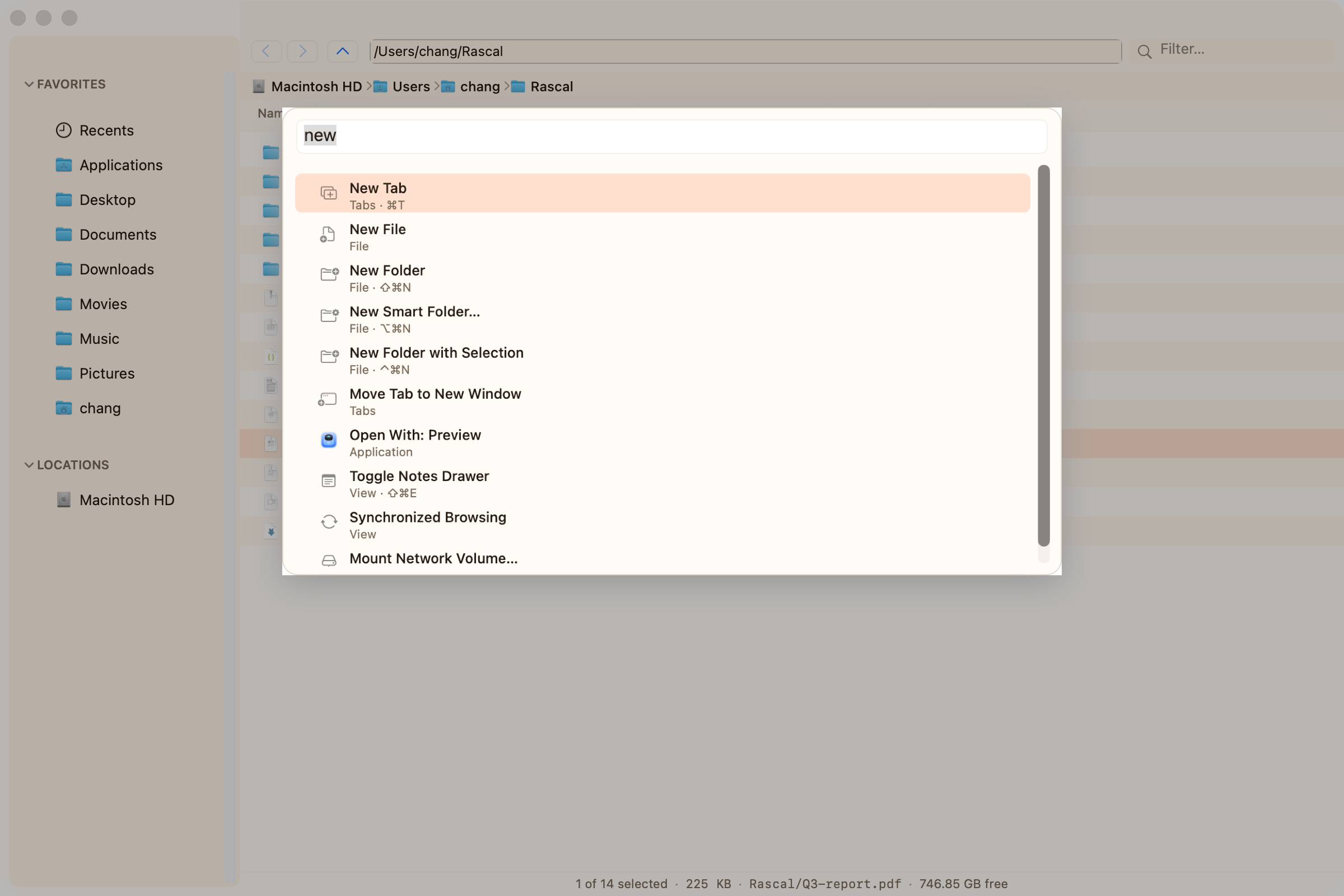
A fuzzy command palette (⌘⇧P) and real vim keys: hjkl, /, dd, gg. You can leave the mouse alone.
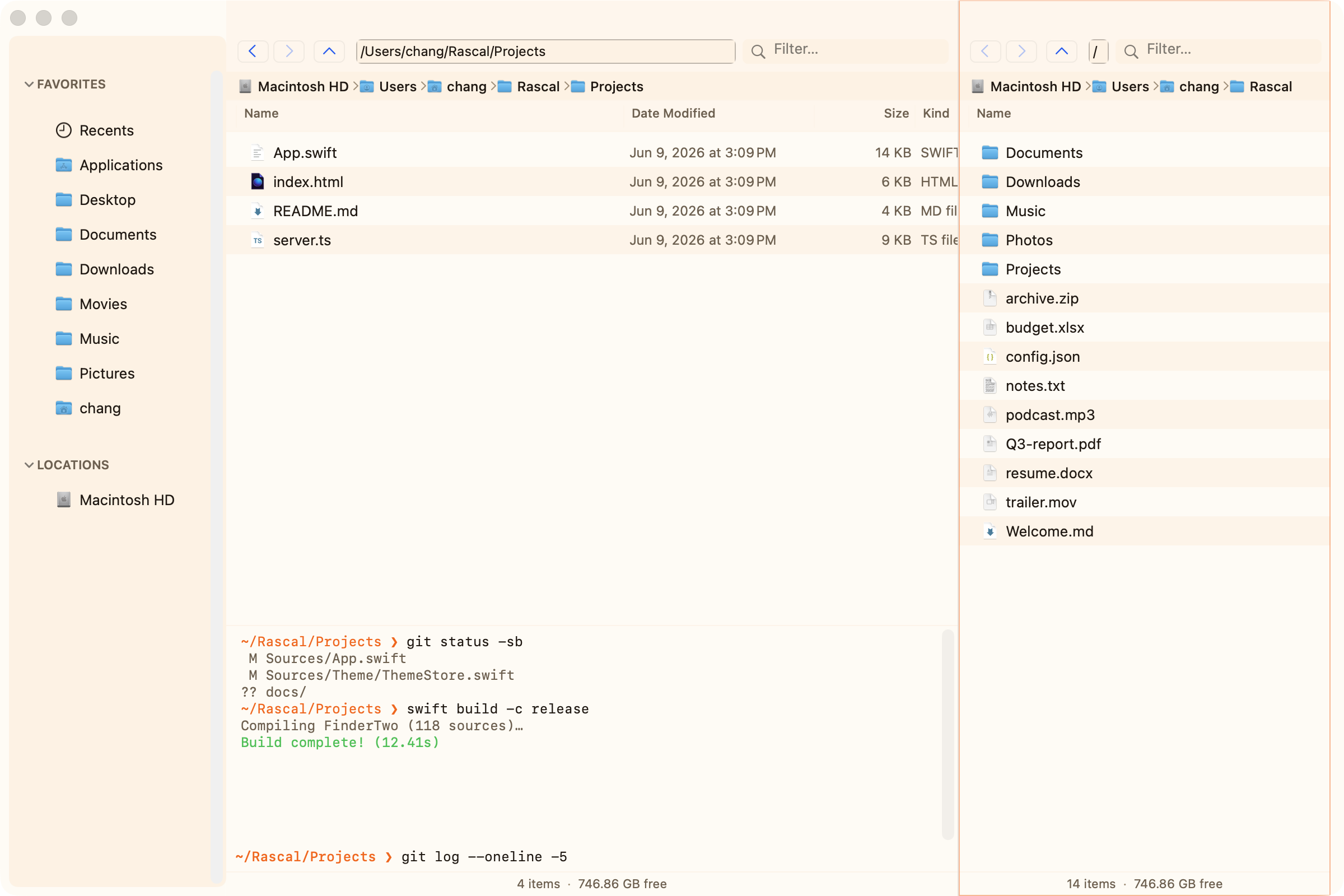
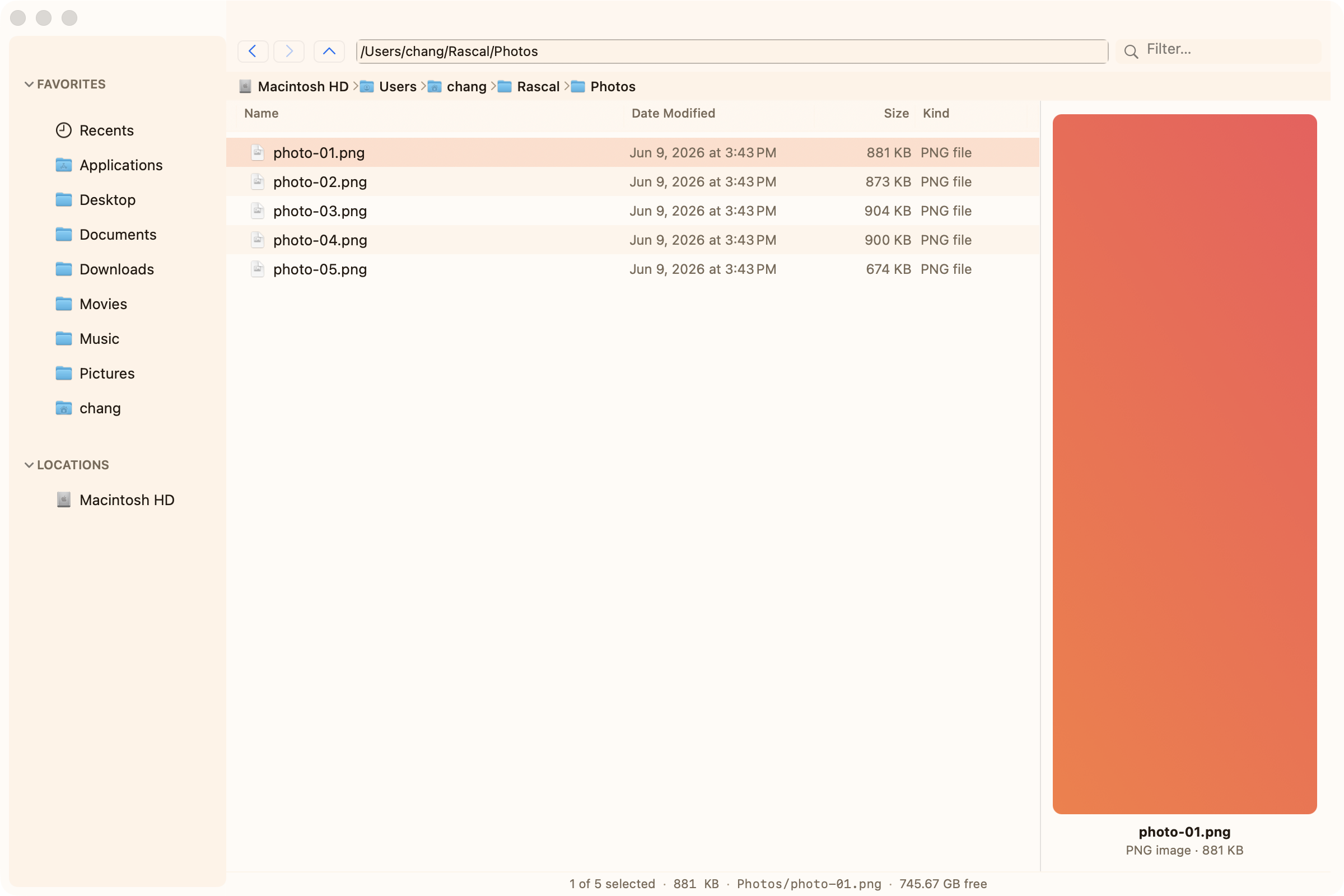
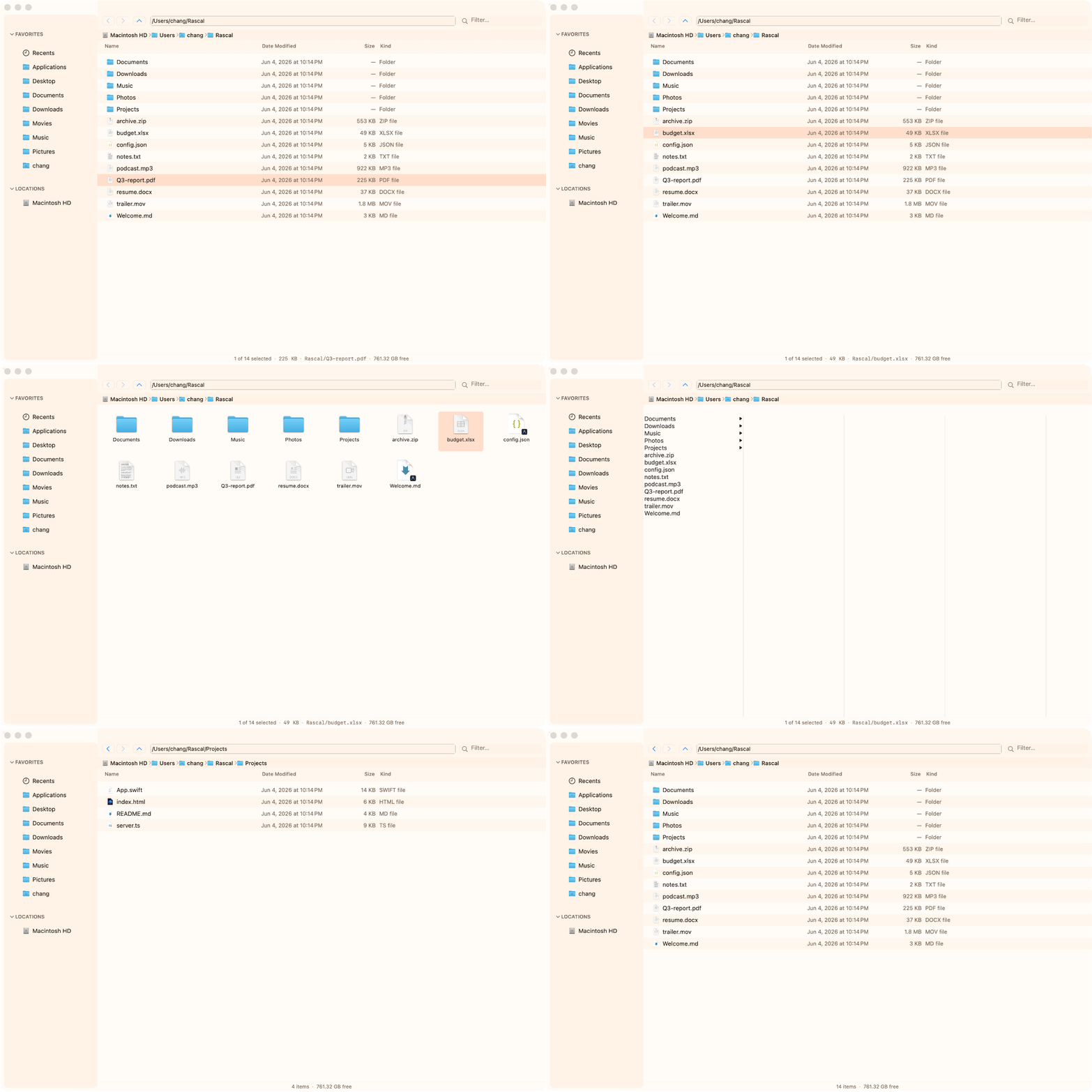
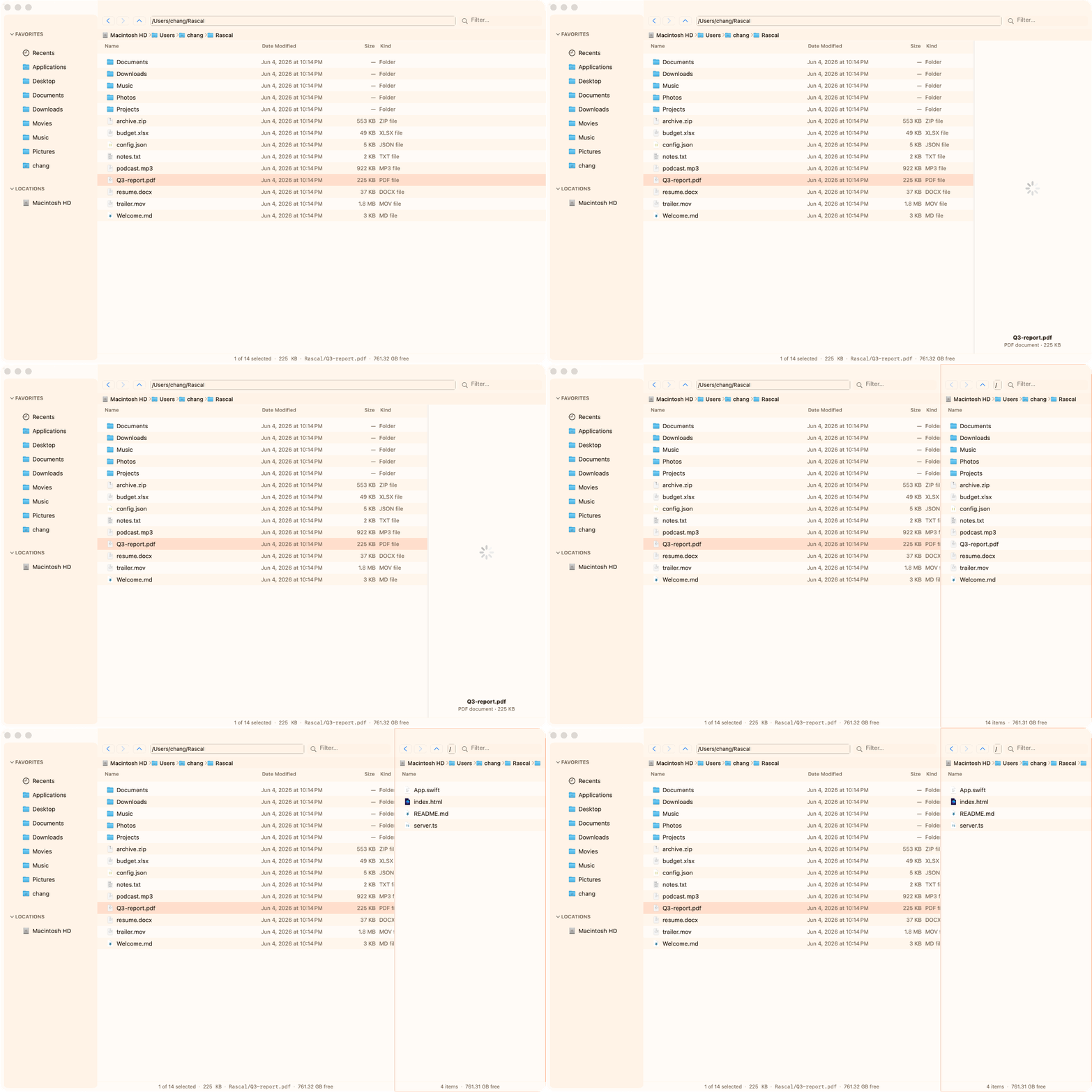
Dual panes, tabs, and four view modes (List, Icon, Column, Gallery). Switch layout in one keystroke.
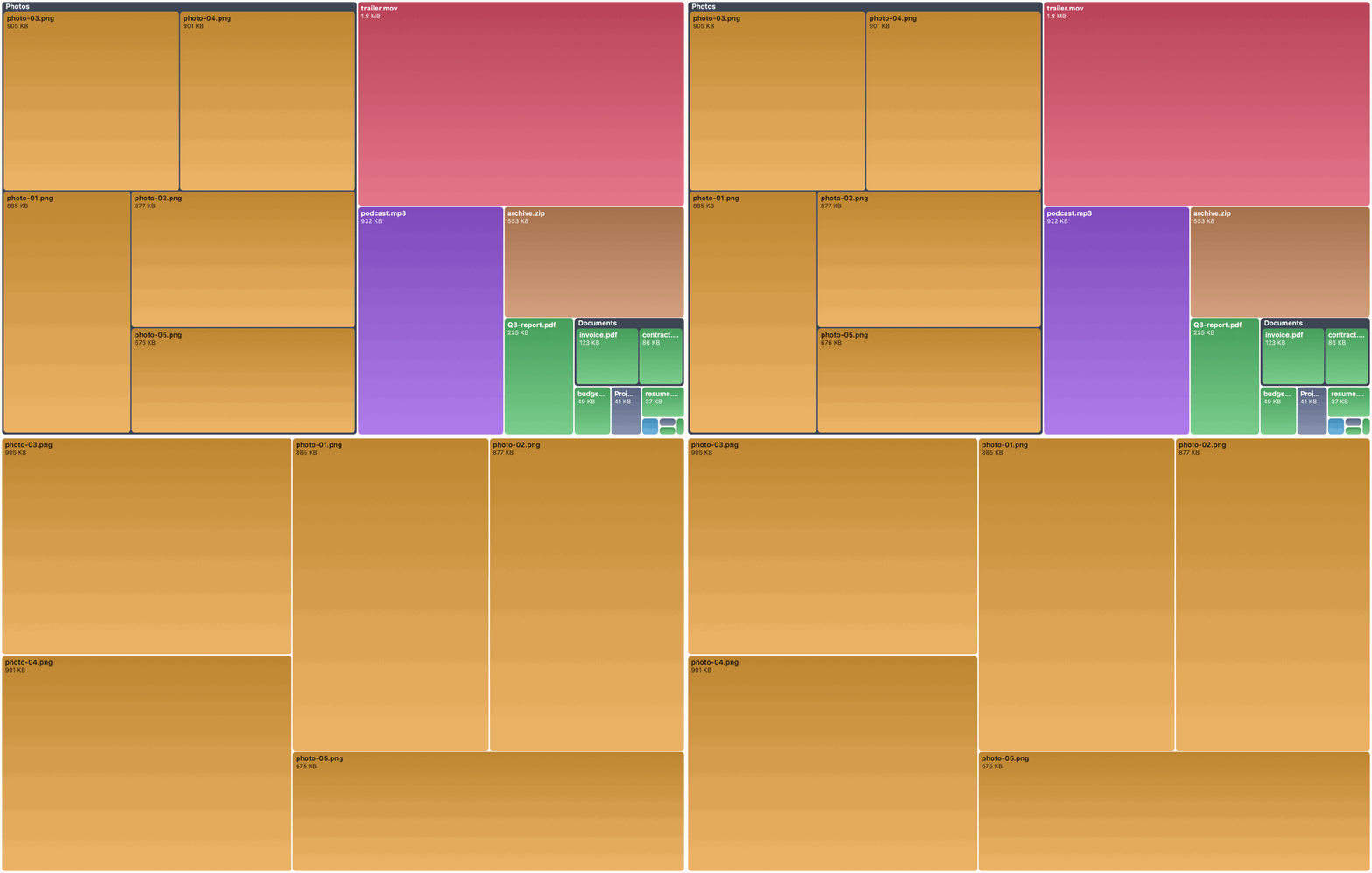
A live, colour-coded map of any folder. Click a tile to drill in.
Seventeen built-in themes, or write your own in a few lines of JSON.
Real Finder tags, plus saved searches pinned to the sidebar.
No cloud, no account, no telemetry. Opens instantly.
Free forever
Native builds for Apple Silicon & Intel. macOS 13 Ventura or later. No paywall, no “pro” tier.
Button gets the Apple Silicon build; on an Intel Mac pick Intel from the dropdown.
Or with Homebrew: brew install --cask chang-07/tap/rascal
Rascal is ad-hoc signed, so macOS blocks it on first open:
xattr -cr /Applications/Rascal.appPrefer source? git clone, then ./install.sh — full steps in the guide.